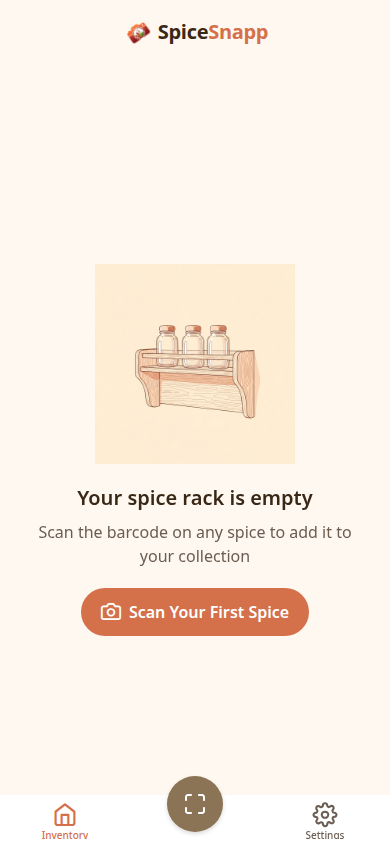
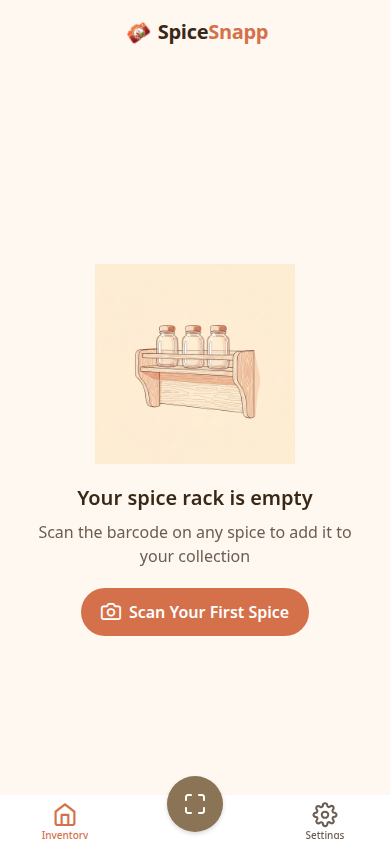
Never wonder "do I have this spice?" again. Scan, organize, learn about your spices, and discover new blend recipes.
From scanning to reordering, SpiceSnapp handles it all so you can focus on cooking.
Point your camera at any spice barcode to instantly identify it. Searches multiple databases for the best match.
Take one photo of your spice cabinet. AI identifies every spice on the shelf - no scanning one by one.
Tap the microphone and say the name of a spice to search your collection. Quick and easy while cooking.
Long-press and drag spices to arrange them however you like. Your collection, your order.
Running low? Tap to reorder any spice directly through Amazon. Set expiration reminders too.
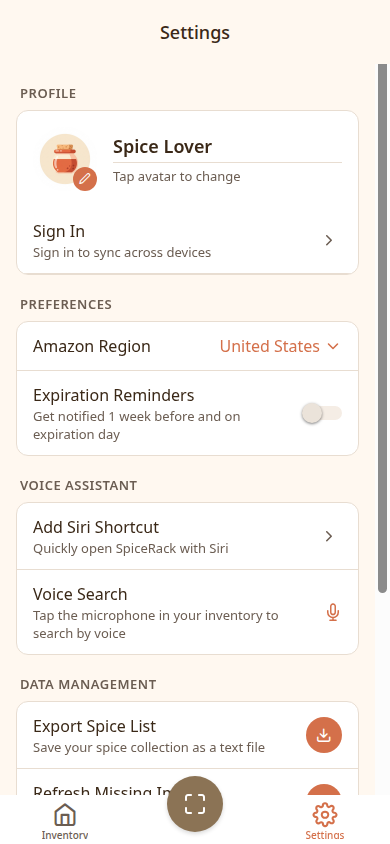
No account needed. Everything stays on your device. Optionally sync across devices with cloud backup.
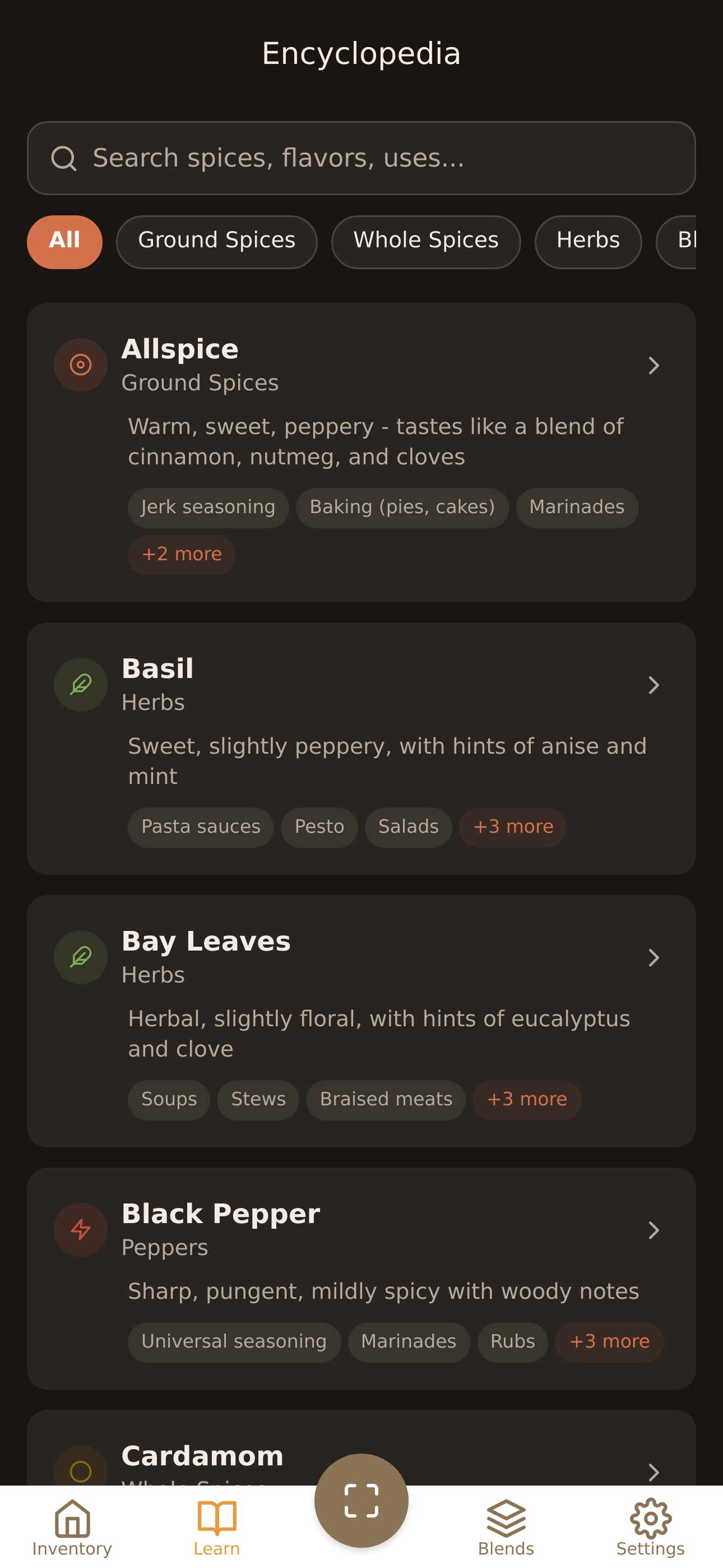
Browse 40+ spices with flavor profiles, origins, culinary uses, substitutes, and shelf life tips. Learn what goes with what.
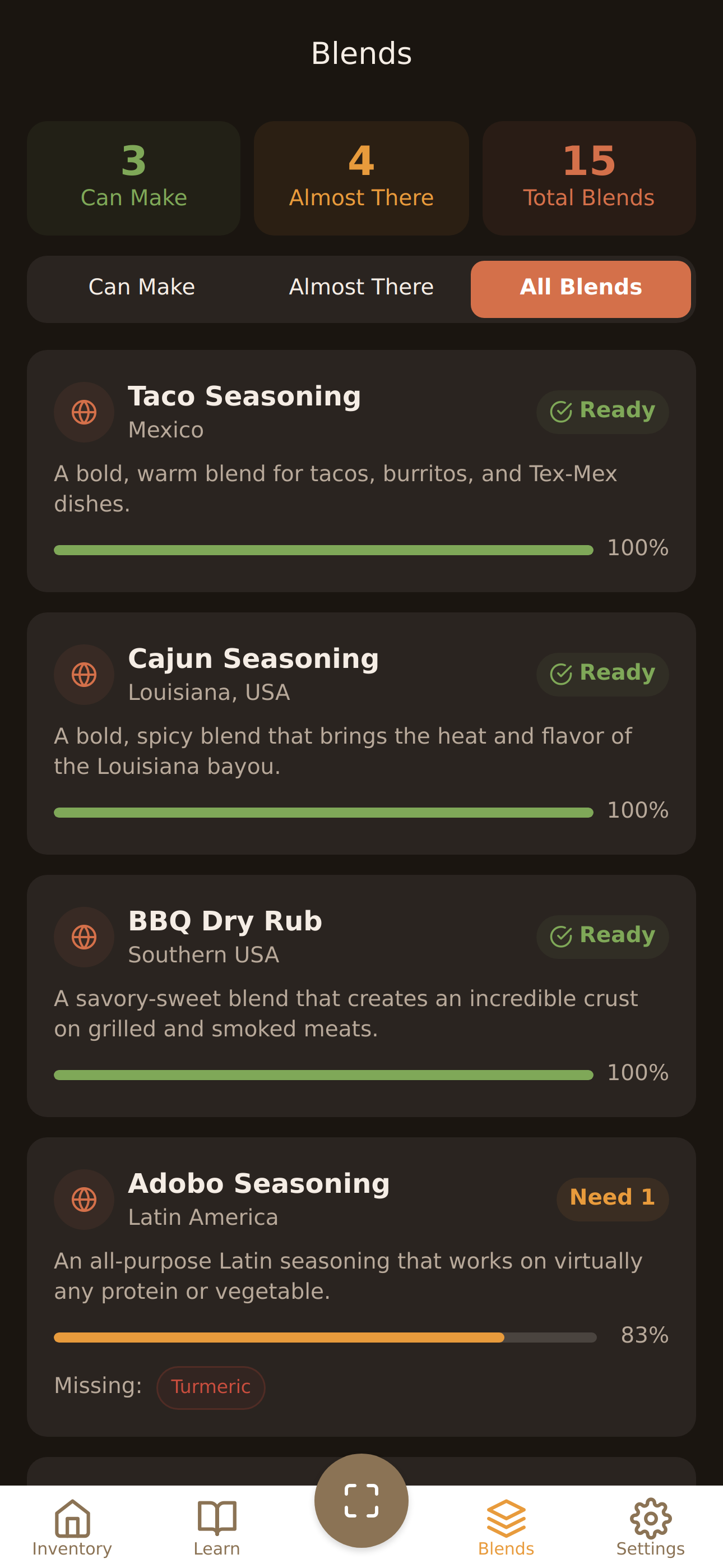
15 international spice blend recipes. Smart matching tells you which blends you can make with what you already have.
Track how much of each spice you have left with a simple slider. Color-coded alerts when you're running low.
Get started in under a minute.
Point your camera at a spice barcode, or snap a photo of your entire cabinet for AI identification.
Your spices are automatically added with photos, brands, and descriptions. Drag to rearrange.
Find any spice instantly, discover blend recipes you can make, and browse the encyclopedia for flavor tips and substitutes.
Free to download. No account required.